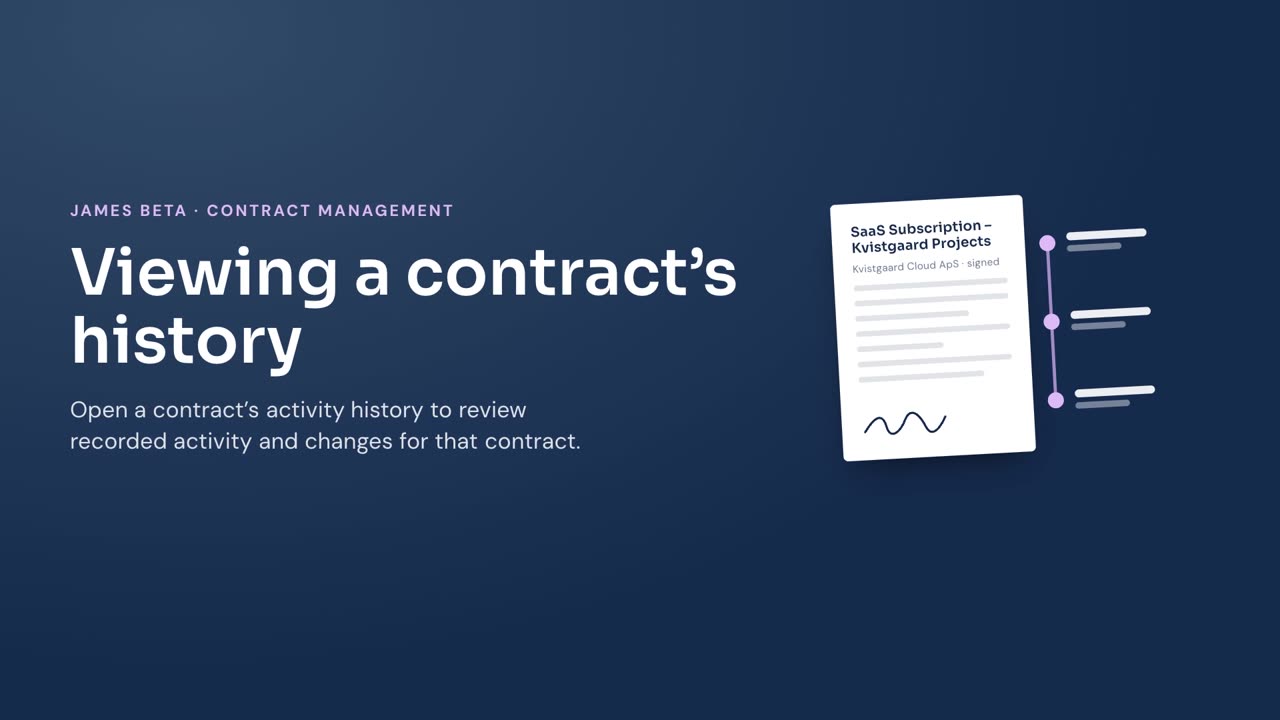
Review the activity and recorded changes for one contract.
Steps
- Go to Contracts.
- Select the contract you want to review.
- Select Activity history.
- Review each activity entry and its recorded changes.
Result
James shows the contract’s activity history as a timeline. Entries show the activity, recorded changes, the person who made the change, and the date. Changes to a value show the earlier and updated values separated by an arrow.