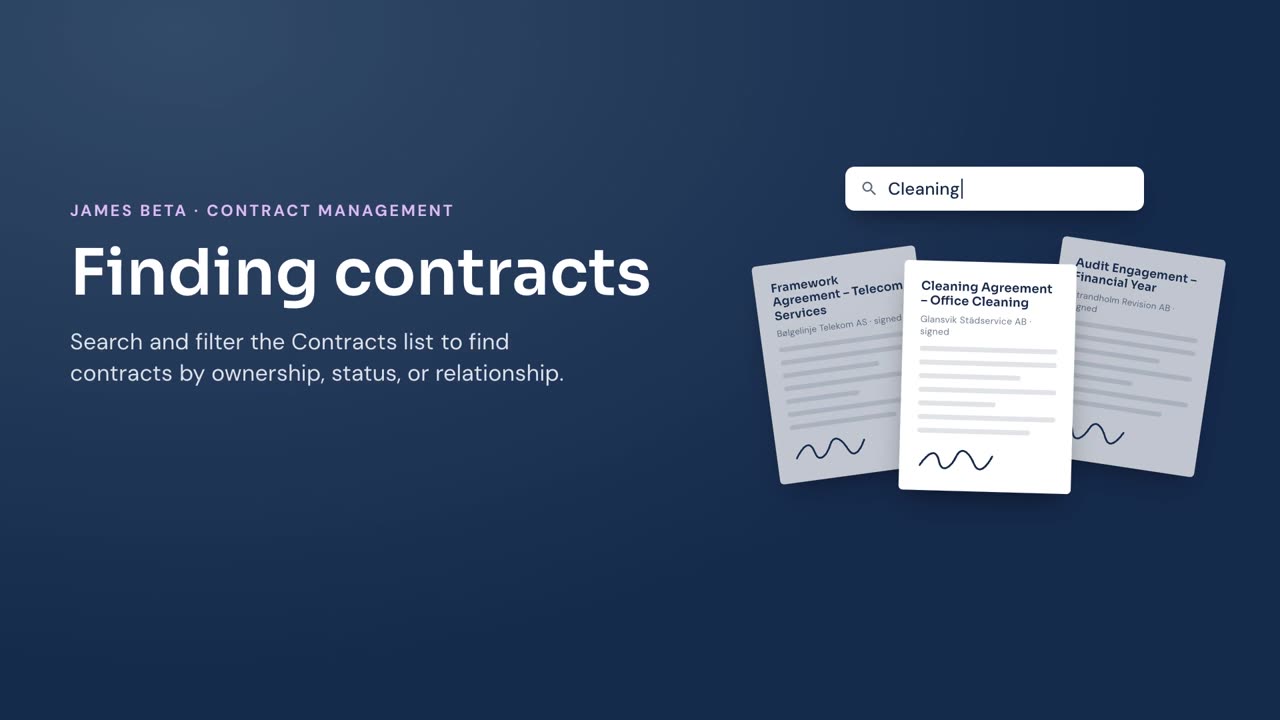
Find contracts in James by searching the list or narrowing it with filters.
Steps
- Go to Contracts in the left menu.
- Enter a term in Search contracts to narrow the list.
- Select Mine to show contracts where you are responsible, or select All to include contracts regardless of responsibility.
- Select Active, Inactive, or All to filter by contract status.
- Select a relationship to show contracts with that relationship, or select All to include every relationship.
Result
James updates the list to show contracts that match your search and selected filters. Select All in a filter to remove that filter.