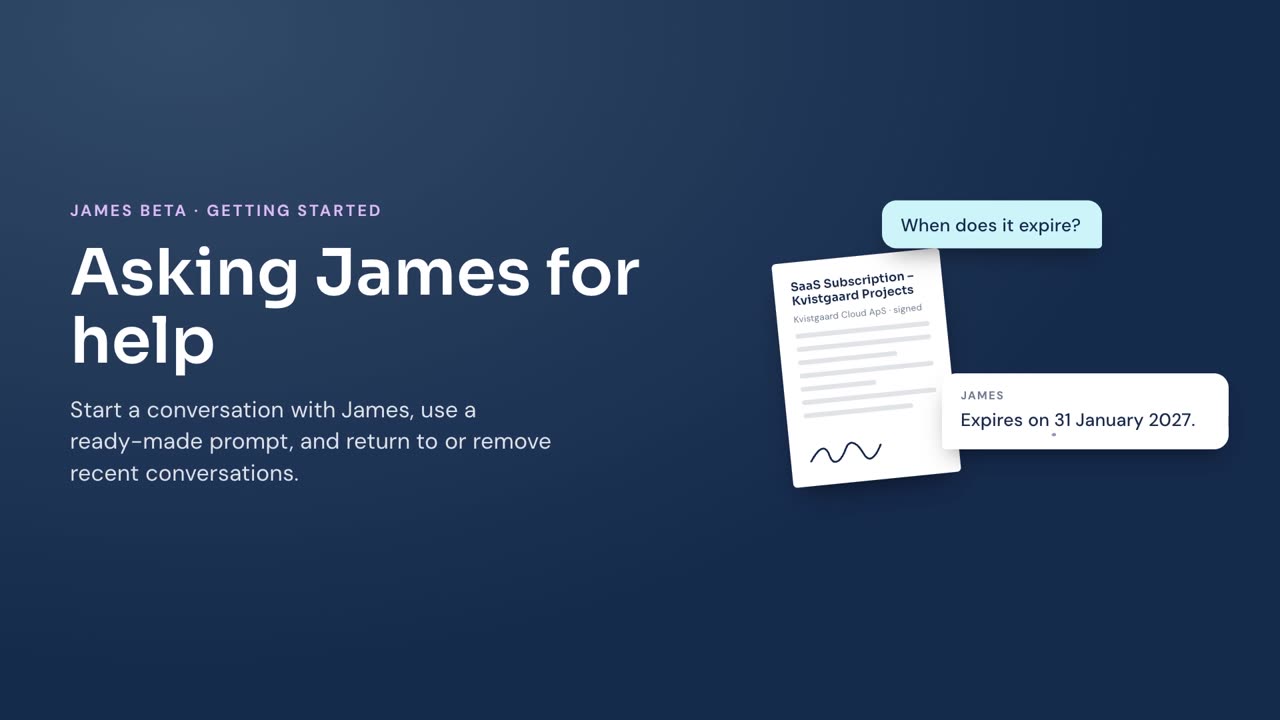
Ask James a question to get help while you work in James.
Ask a question
- Select the James button to show the question box.
- Enter your question.
- Select the send icon.
James opens the conversation and replies there.
If James proposes an action that changes contract data, see Reviewing actions proposed by James before you approve it.
Use a prompt from the library
- In the conversation, select Library.
- Select a prompt category, or search for a prompt.
- Select a prompt.
- Review and edit the text in the question box.
- Select the send icon.
James adds the selected prompt to the question box before you send it.
Return to or remove a conversation
- In the conversation, select History.
- Select a recent conversation to return to it.
To remove a conversation, select its actions menu in History, then select Delete.
To start separately from the current conversation, select the new-conversation button at the top of the conversation.