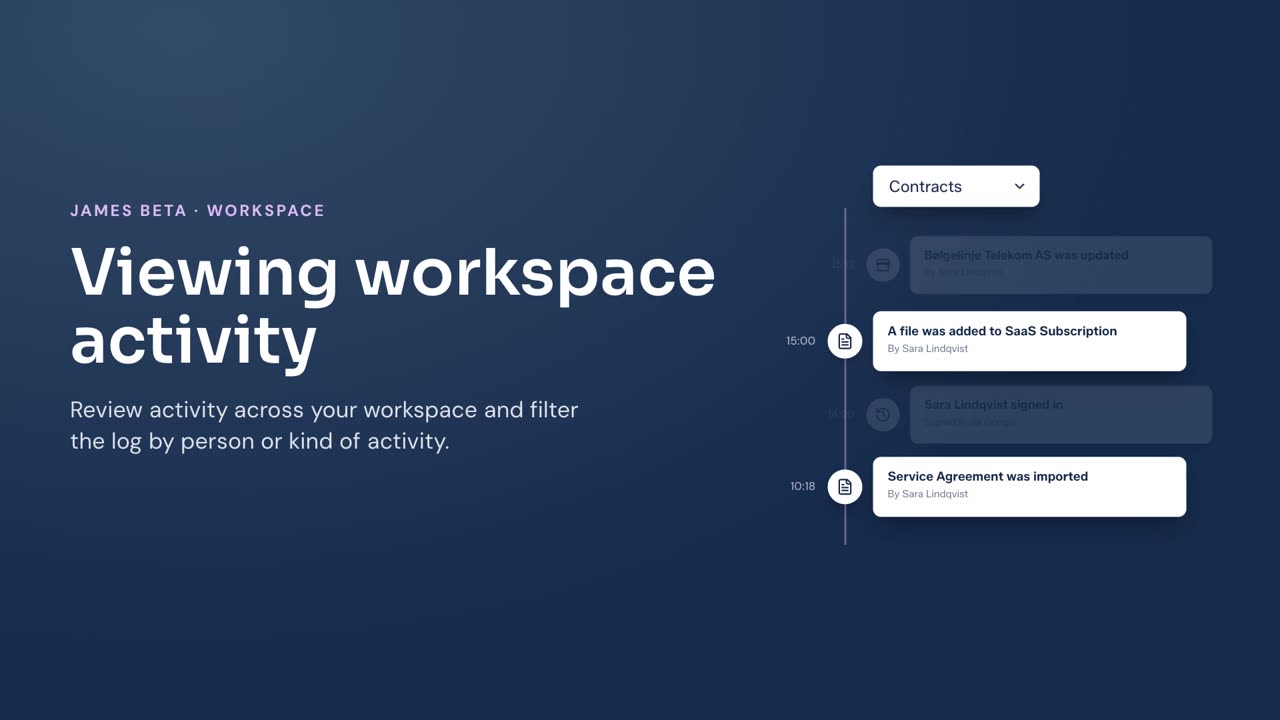
Review the workspace activity log to see recorded activity across contracts, vendors, assessments, membership, roles, emails, and sign-ins.
Before you begin
You must be a workspace Owner to view Activity.
Steps
- Select your name at the bottom of the left menu, then select Settings.
- Select Activity.
- Enter a person’s name in Search by person to show activity connected to that person.
- Select Kind of activity, then select a category to narrow the log. Select All activity to remove the category filter.
- Select Load more to view earlier activity.
Result
James shows the newest recorded workspace activity first. Entries can include contract changes and files, vendor and vendor-field changes, assessment templates and responses, workspace membership and role changes, emails, and sign-ins.
For activity on one record, see Viewing a contract’s history or Viewing a vendor’s history.