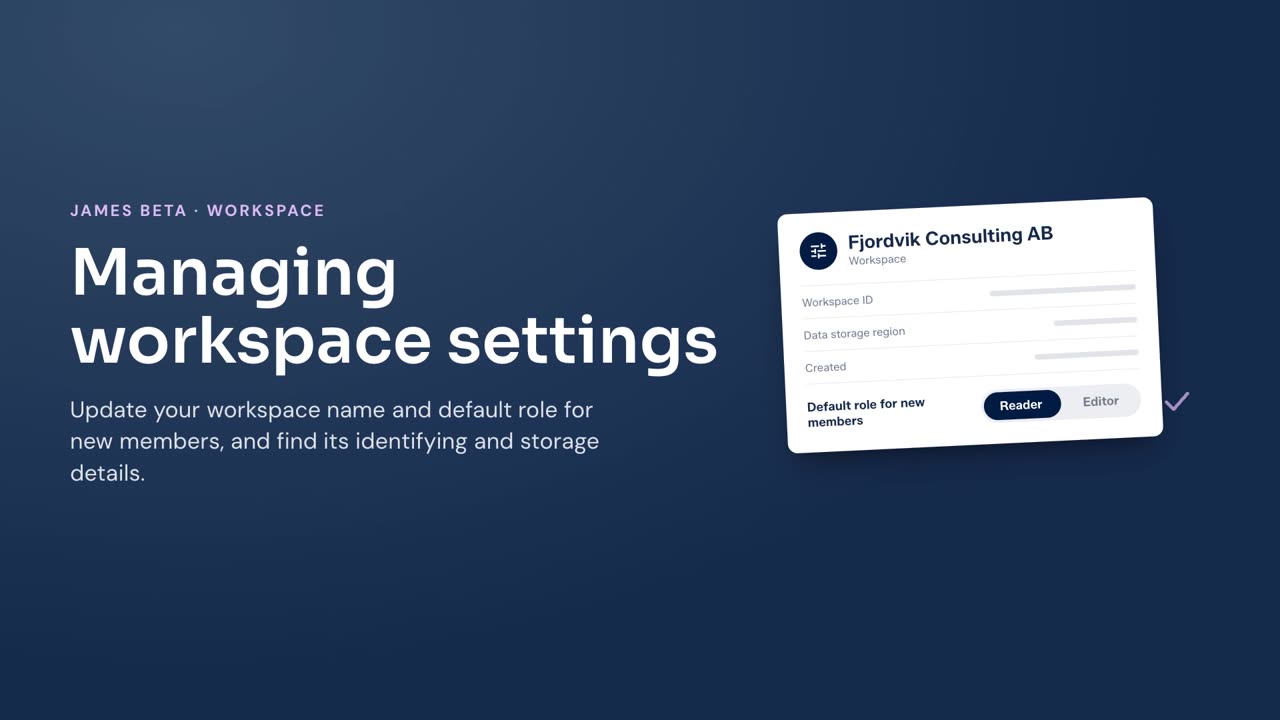
Update the workspace name and default role for new members, or view its ID, data storage region, and creation date.
Before you begin
You must be a workspace Owner. If the workspace is read-only, you cannot save changes.
Steps
- Select your name at the bottom of the left menu, then select Settings.
- Select General.
- Enter the new Name, if needed. The name must use 1 to 120 characters and cannot contain special or invisible characters.
- Select a Default role for new members. Select Reader or Editor.
- Select Save changes.
Result
James saves the workspace name and default role. People invited without a role receive the default role you set. Owners are selected when they are invited.
To copy the workspace identifier, select Copy next to Workspace ID. The Data storage region and Created details are shown on the same page.