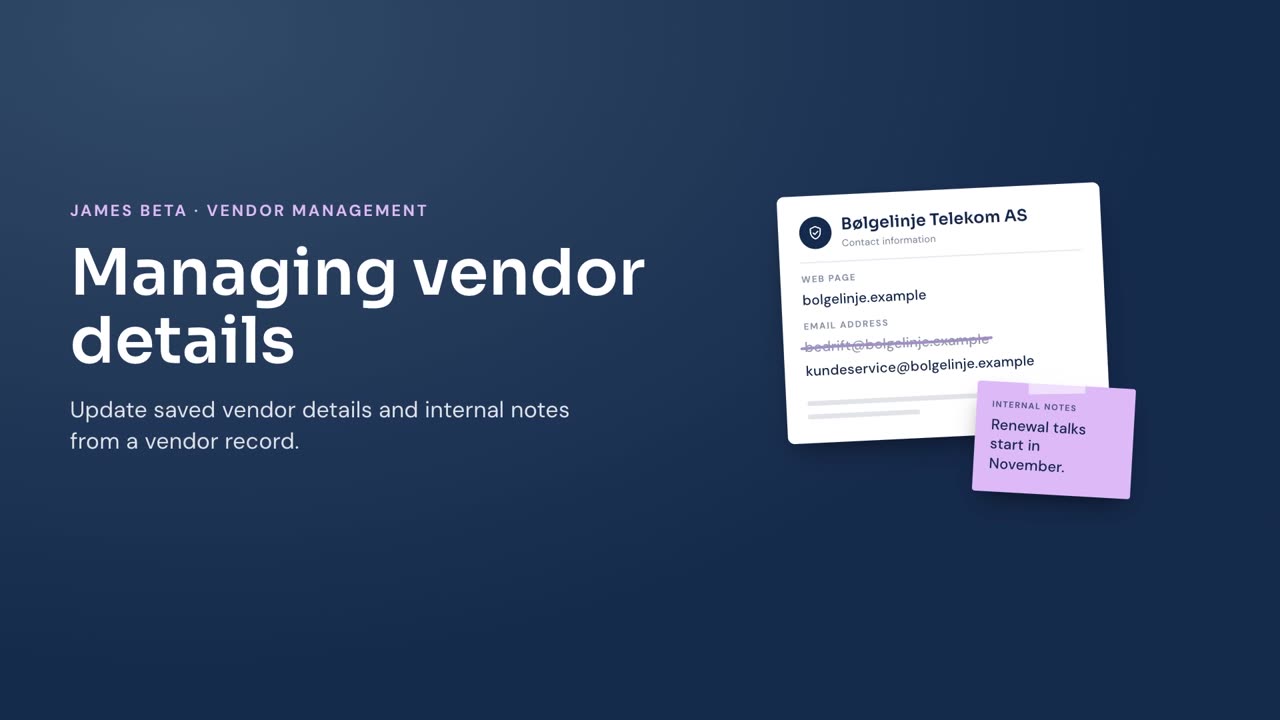
Update the saved details and internal notes for a vendor from its vendor record.
Before you begin
You must have editing access to vendors. For definitions of the available information, see Vendor details.
Steps
- Go to Vendors.
- Select the vendor you want to update.
- Select Edit on the section that contains the information you want to change.
- Update the details in the edit dialog.
- Select Save.
- To update the vendor’s notes, enter your text under Internal Notes.
Result
James saves the changes to the vendor record. You can update details in General, Address, Contact information, Postal address, Industry and classification, Risk signals, Size and register status, and Data source and verification.