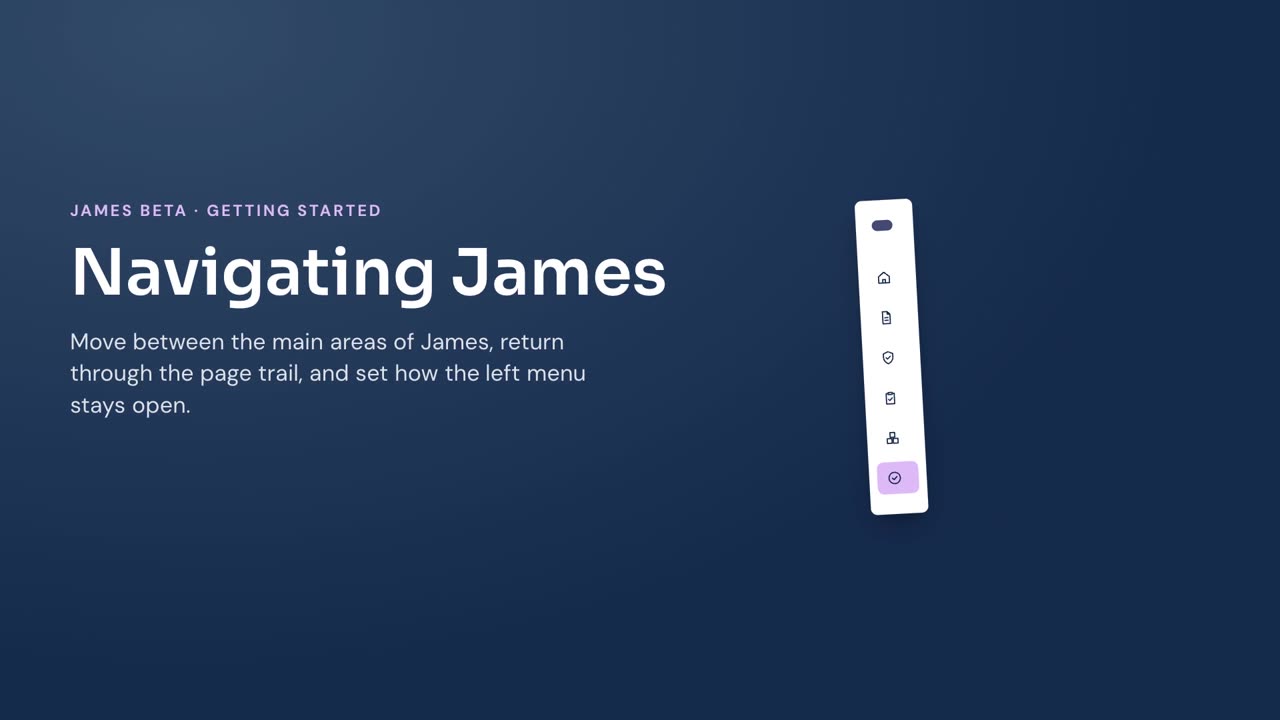
Use the left menu to move between areas of James and the page trail to return to a higher-level page.
Move between areas
- Select Home, Contracts, Vendors, or Assessments in the left menu.
- Select Contracts to show Imports, then select Imports when you need to review contract imports.
- Select Assets or TAP when either area appears in your menu.
Return with the page trail
- Select a linked earlier location in the page trail at the top of the page.
- Select the back arrow to return to the page immediately above the current page in the trail.
The last item in the page trail shows your current location.
Expand, collapse, or pin the menu
- Select Collapse menu to show the left menu as icons.
- Select Expand menu to show the full menu again.
- Select Pin menu when the menu is open to keep it shown.
- Select Unpin menu when the menu is pinned.
- When the menu is unpinned, select the menu icon at the top left to show it.