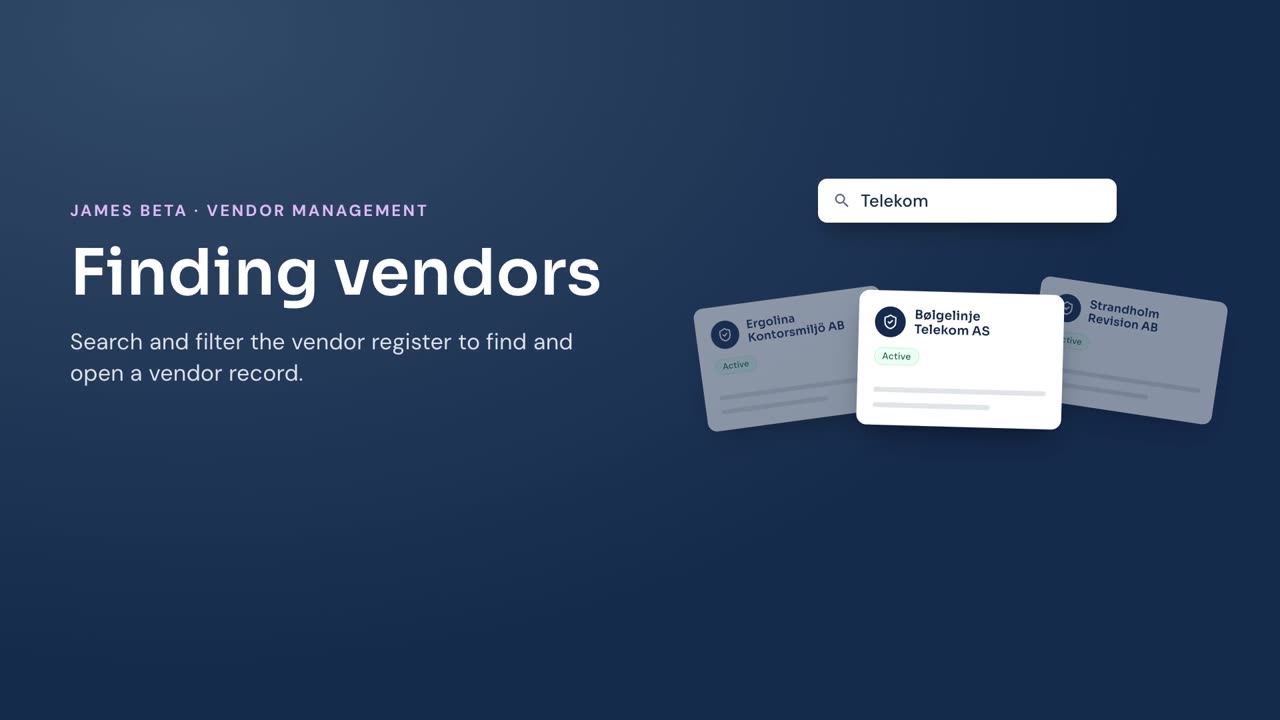
Find a vendor in the register by searching its name or filtering the list.
Steps
- Go to Vendors.
- Enter a vendor name in Search vendors to narrow the list.
- Select Mine to show vendors for which you are responsible, or select All to show all vendors.
- Select Active, Inactive, or All to filter by vendor status.
- Select the vendor name in the list.
Result
The vendor record opens. To understand the information shown there, see Vendor details.